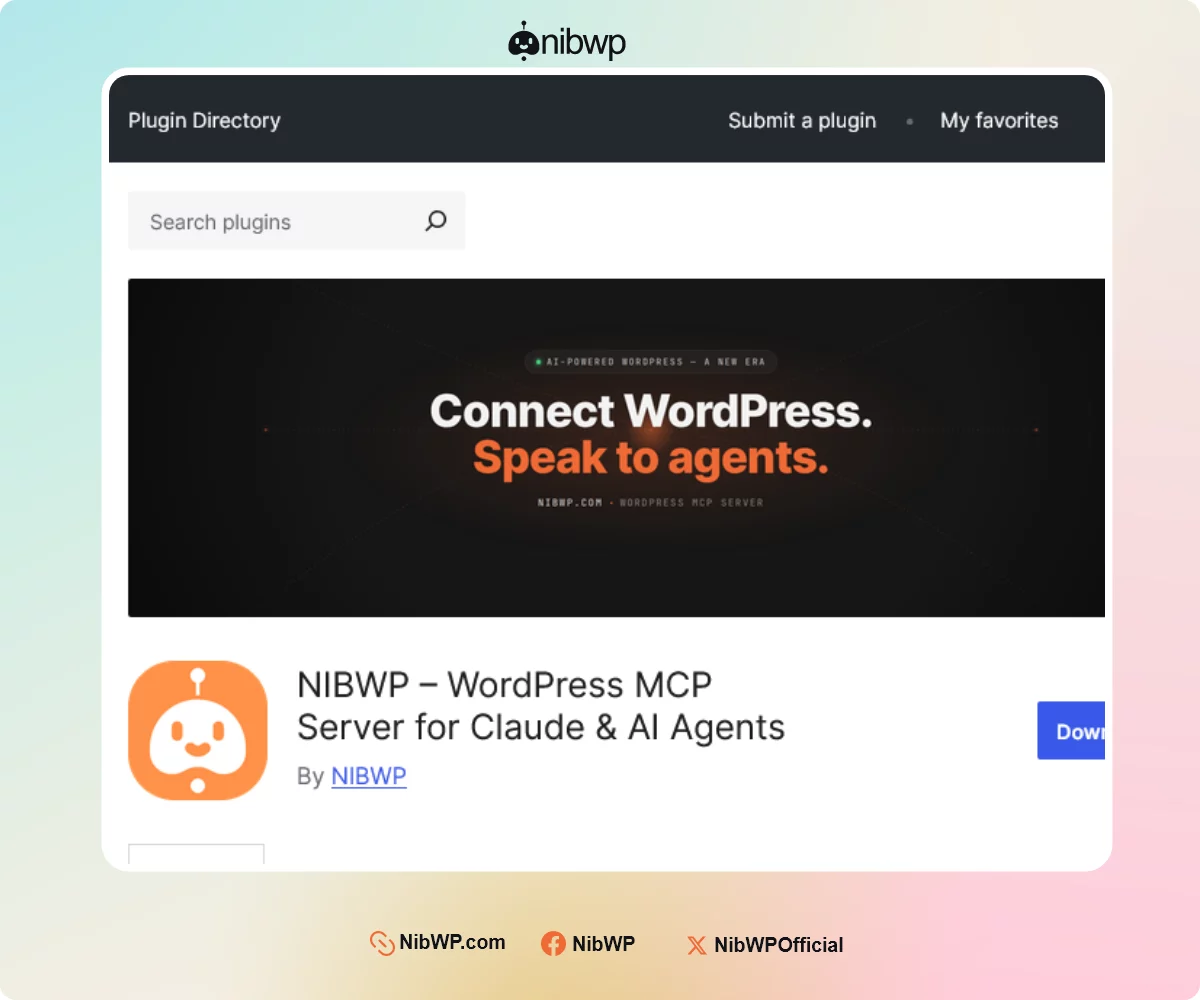


💪NibWP - Free version is now on the official WordPress.org plugin directory.
Quick milestone to share with you all: NibWP is now on the official WordPress.org plugin directory.
Until now, installing NibWP meant downloading a ZIP file and uploading it manually. Starting today, it's as simple as any other plugin. Just head to Plugins → Add New, search for "NibWP", and click Activate. You'll also receive automatic updates going forward.
If you're newer to the group, here's the short version of what NibWP does:
It turns your WordPress site into an MCP server. In plain terms, that means an AI agent — Claude, or any other MCP-capable assistant — can connect directly to your site and actually do the work, through a proper permissioned interface. Not "here's some code to paste," but real actions on your real site.
A few things that looks like in practice:
• "Find every post tagged 'tutorial' from last year and add a callout linking to the new guide." — done.
• "Update the site tagline and fix the drafts with broken image links." — done.
• "Pull my last 10 posts and tell me which ones are thin on internal links." — done.
And you stay in control of what it's allowed to touch — it's permissioned, not a free-for-all.
How to get it:
- Plugins → Add New in your dashboard
- Search "NibWP"
- Install + Activate
(or grab it here: https://wordpress.org/plugins/nibwp/
Two small asks, if you've got a minute:
• Install it and tell us what works and what doesn't. Your feedback genuinely shapes what ships next.
• If you find it useful to you (You'll hopefully), a short review on the plugin page helps more people find it 🙏 — reviews are most of what gets a new plugin noticed in the directory.
Thanks for being here for this one. More coming.🤩