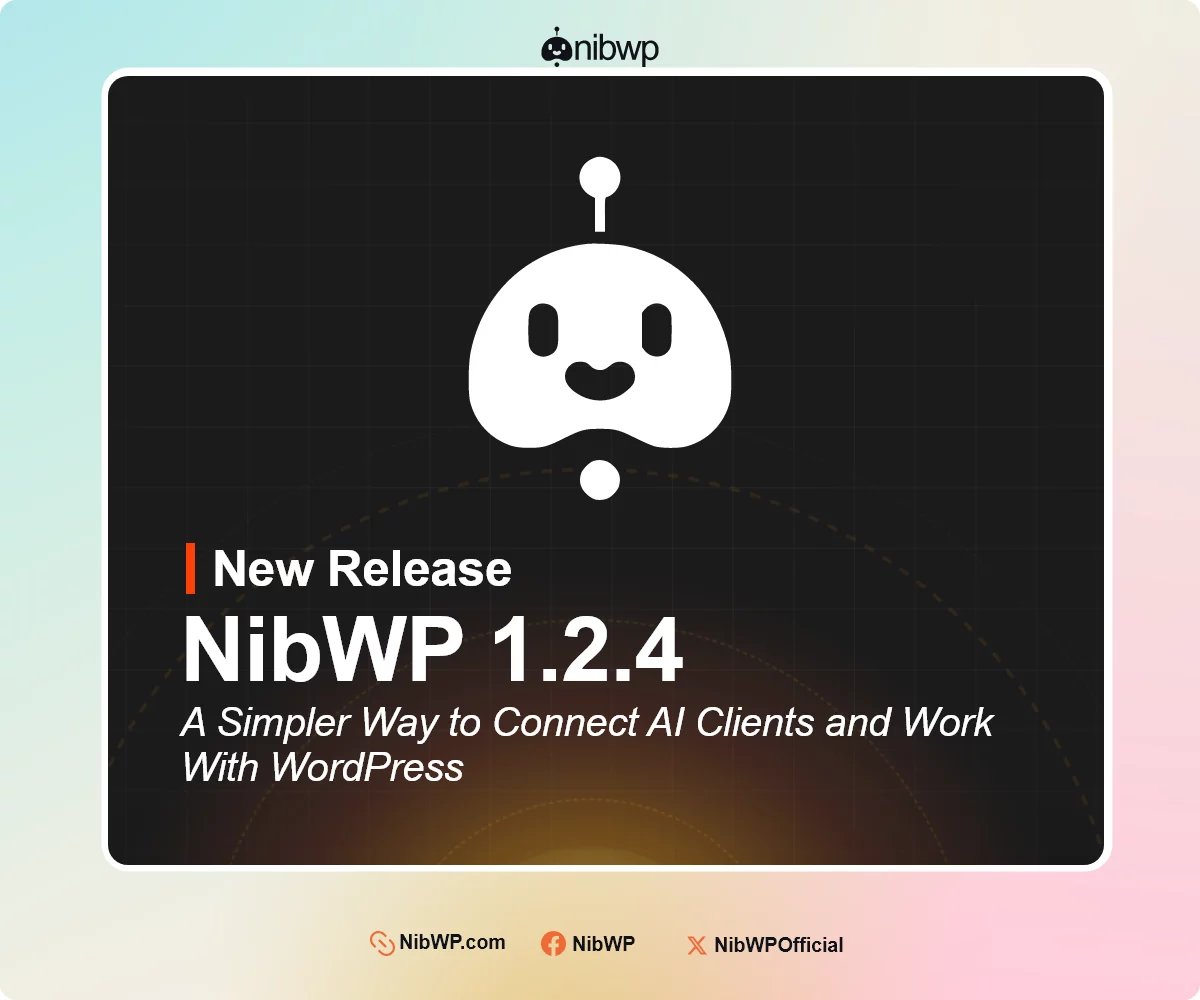

NibWP 1.2.4 is here
We have just made another release. now connecting an AI client just got a lot simpler.
In NibWP 1.2.4, the Connect page is now a clear 4 step flow. Turn on abilities, choose your AI tool, select how you want to connect, and connect. Completed steps fold away so you can get back to work without scrolling through a long settings page.
Here is what else is new:
• Sign in or use an Application Password, with guidance on which option your tool supports.
• A simpler API key and connection setup, with the connection text separated so it is easier to copy.
• 17 AI clients in one easy to scroll row.
• A simple How it works explainer that walks you through the process in four sentences.
• Automatic.css full support. NibWP reads your variables and classes on every install, allowing your assistant to work with your existing design tokens.
• Agent View can now take screenshots, so your assistant can see the page as you see it.
• Agent View can hover over elements, making it possible to check menus, dropdowns and hover styles without clicking.
• Agent View no longer needs to stay open in a browser tab for your assistant to work on the page.
A focused update that makes connecting AI clients and working with WordPress much smoother.
View changelog here : https://nibwp.com/changelog/#v1-2-4
NibWP 1.2.4 is now live. Update directly from your WP Admin dashboard or through your NibWP account.